What a flat property video leaves out
A good walkthrough already does a lot. It shows the layout, the light and the finish. What it cannot do is answer the question every buyer actually has, which is how big the room feels when you are standing in it. On a flat screen your brain has no depth cue to work with, so it guesses from door frames and furniture. That is why viewers so often say a place looked bigger online, or smaller, and why the first physical visit is where deals are really won or lost.
What changes in 3D
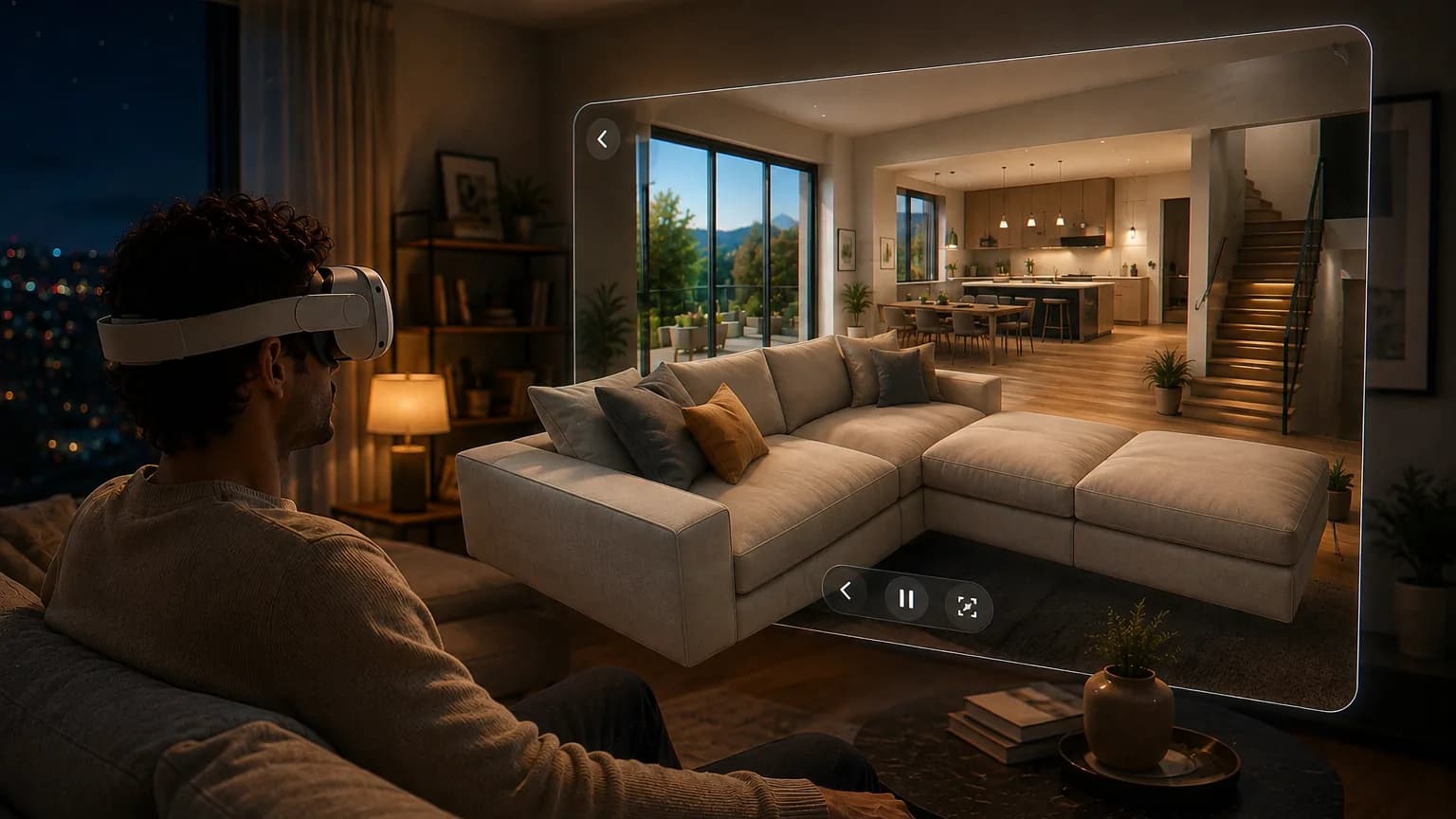
In a stereoscopic video each eye gets its own image, the way your eyes work in a real room. In a headset the result is not a screen you look at, it is a space you are standing in. Ceiling height reads as height. The distance from the kitchen island to the window reads as distance. A narrow hallway feels narrow. For a buyer that is the difference between reviewing a property and viewing one.
You do not need a 3D camera
This is the part most agents assume is the blocker, and it is not. No new equipment, no specialist crew, no second visit to the property. The gimbal walkthrough you already film for the listing is the source material. You upload it, our AI estimates depth for every frame and builds a true stereoscopic version from it. Nothing about your shoot has to change.
Where agents get value from it
- Buyers who cannot travel. Relocations, expats and overseas buyers decide from photos today. A headset viewing gives them something close to a real first visit before they book a flight.
- Off-plan and new build. Where the render is the product, depth does more work than resolution. A CGI flythrough in 3D is much harder to dismiss as a picture.
- Winning the listing. A seller choosing between three agents remembers the one who put a headset on their head and showed them a property like their own.
- The office and the trade fair. One headset on the desk turns a shortlist into an afternoon of viewings that costs nobody a drive.
- Premium homes. At the top of the market the marketing is part of the proposition, and this is still rare enough to be noticed.
How it works for one listing
- Upload the walkthrough. Any normal video file, straight from the browser. Your first 2 minutes are free, without a credit card.
- Pick the depth and the headset. Two questions in plain language: how strong the 3D effect should be (Cinema, Comfort or Aggressive) and whether your buyer is on Meta Quest or Apple Vision Pro. Everything technical follows from that. For interiors, Cinema or Comfort usually looks best, because objects that pass close to the lens are where aggressive depth starts to show artifacts.
- Send a private link. Every conversion gets its own link and a short 6-character code. Your buyer opens xclusivevr.com/watch in the headset browser, types the code, and it plays. No app to install, no cable, no file to send. Sharing is off by default and you can revoke a link at any time.
- Keep the master. Download the full-quality file for your own archive, or leave it hosted with us for as long as your plan runs.
Filming with the conversion in mind
You do not have to change your process, but a few habits make the depth cleaner:
- Move slowly and steadily. A gimbal walk at a comfortable pace converts better than a fast pan, and it is far more comfortable to watch in a headset.
- Give the frame some foreground. A doorway, a counter edge or a plant in the near field gives the depth something to work against. A flat wall shot straight on has almost nothing to separate.
- Light the room properly. Depth estimation reads the same cues you do, and it struggles in the same places you would.
- Watch out for mirrors and full-height glass. Reflections are genuinely ambiguous, so a wall of mirrored wardrobe doors is the one shot worth checking before you send the tour to a client.
What this is, and what it is not
Worth being straight about: this is a 3D video, not a clickable floor-plan tour. Your buyer follows the path your camera took and cannot step off it to wander into another room on their own. What they get instead is real stereoscopic depth along that path, built from footage you already shot, at video cost rather than 3D-capture cost. For most listings that is the right trade, and the two things sit together fine: the floor plan for understanding the layout, the 3D walkthrough for feeling the space.
See it before you commit anything
We converted a property walkthrough and left it public. Open the real estate spatial demo in your headset browser and judge the depth for yourself, or browse our sample videos first. Then try it on one of your own listings: the first 2 minutes are free, no credit card. Looking at a whole portfolio? Request a demo for your organisation.