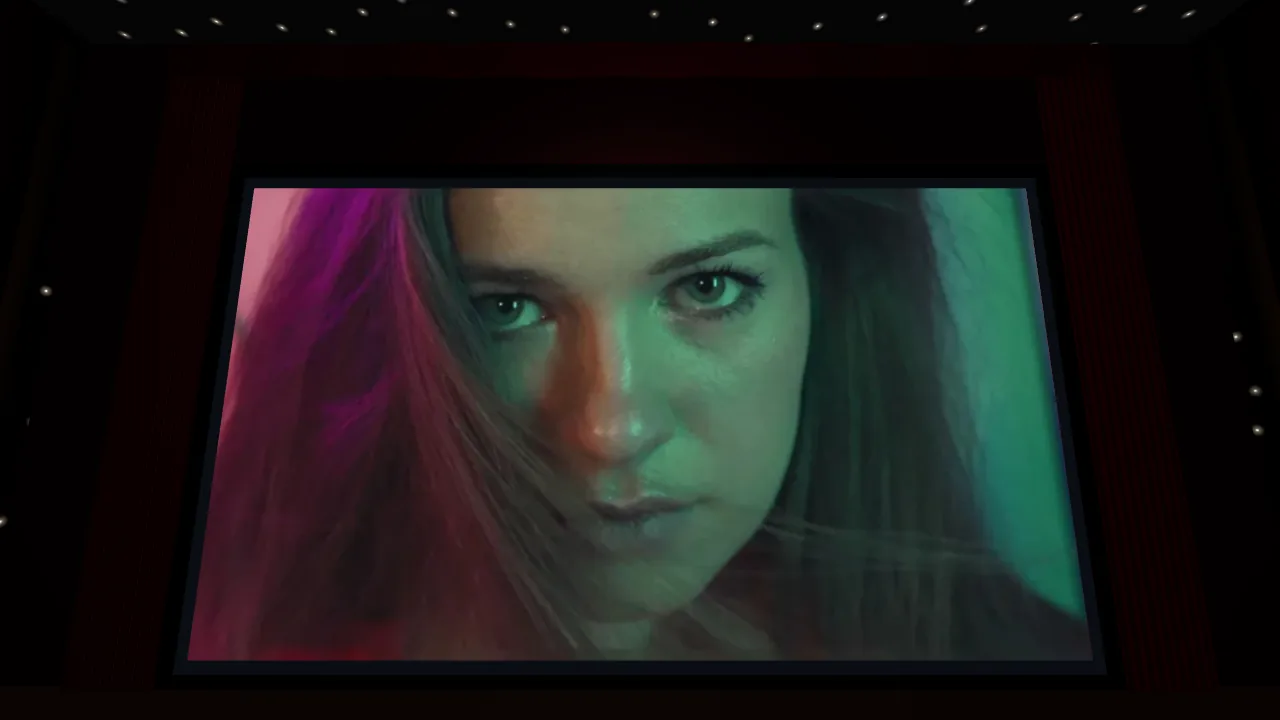
Watching your own video in 3D in a VR headset used to be a small IT project. Convert it somewhere, export the right format, find the file, copy it to the headset with a cable or a cloud service, install a player app, and hope you picked the right 3D setting. At Xclusive VR we removed every one of those steps. You upload a video on our website, and a few minutes later you watch it in your headset, in your own 3D cinema.
The usual way
Getting a 3D video onto a headset yourself is a lot of work, because every step is manual: converting, exporting in the right format, copying the file over, installing a player and finding the right 3D setting. With Xclusive VR you skip all of that. You simply sit back and relax with your VR headset on.
The Xclusive VR way
- Upload your video on our website, from your phone or computer. Any ordinary 2D video works.
- We convert and host it. We turn it into real stereoscopic 3D in the cloud and keep it ready for you. We email you the moment it is done.
- Put on your headset and press play. Open the browser, and your video is there, in 3D, in your own cinema.
That is the whole list. No software on your computer, no cable, no file.
What "nothing to transfer" really means
- No cable, no USB stick, no cloud drive. Your video never has to travel from your computer to your headset. We stream it straight to the headset browser over Wi-Fi.
- No app to install. It plays in the browser that is already on your headset. Nothing to download from an app store, nothing to update.
- No format decisions. Every conversion comes out in the right 3D format for your headset: full side-by-side for Meta Quest, spatial video (MV-HEVC) for Apple Vision Pro. You never have to know the difference.
- No storage on your headset. Because we stream, your library does not fill up the headset. A long film takes as much space on it as a short one: none.
- No waiting at your computer. The conversion runs on our servers, not on your laptop. You can close the page and come back when the email arrives.
Pair your headset once, then it is one tap
The first time, you pair your headset with a short code from your dashboard. After that your whole library is one tap away every time you put it on. When you open xclusivevr.com in the headset browser, we recognise the headset and show a bar at the top that takes you to your films in one tap.
Want to watch on someone else's headset, or show a video to family? Every video also has a short 6-character watch code. Open xclusivevr.com/watch in any headset browser, type the code, and it plays.
Not a flat window: your own 3D cinema
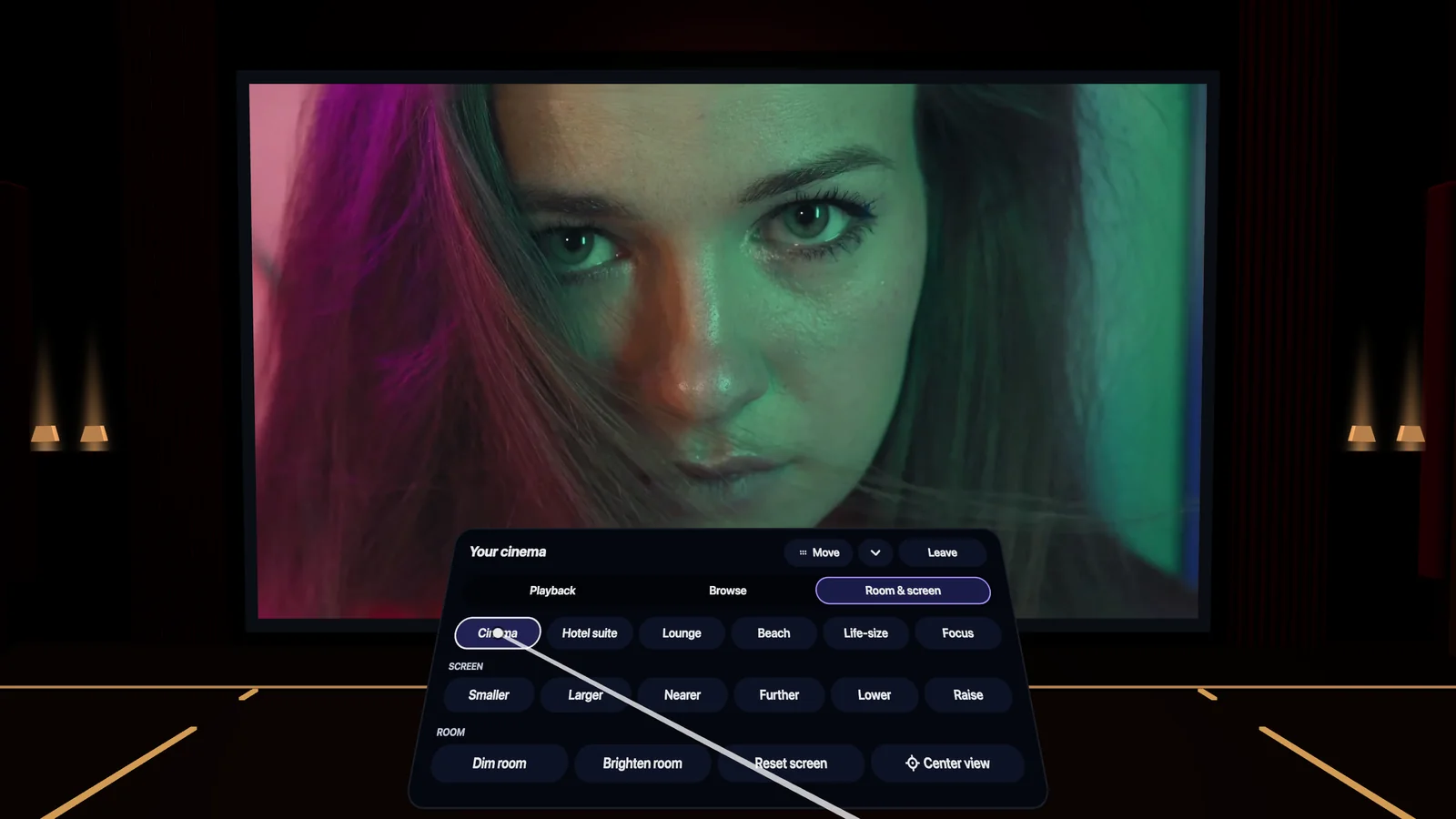
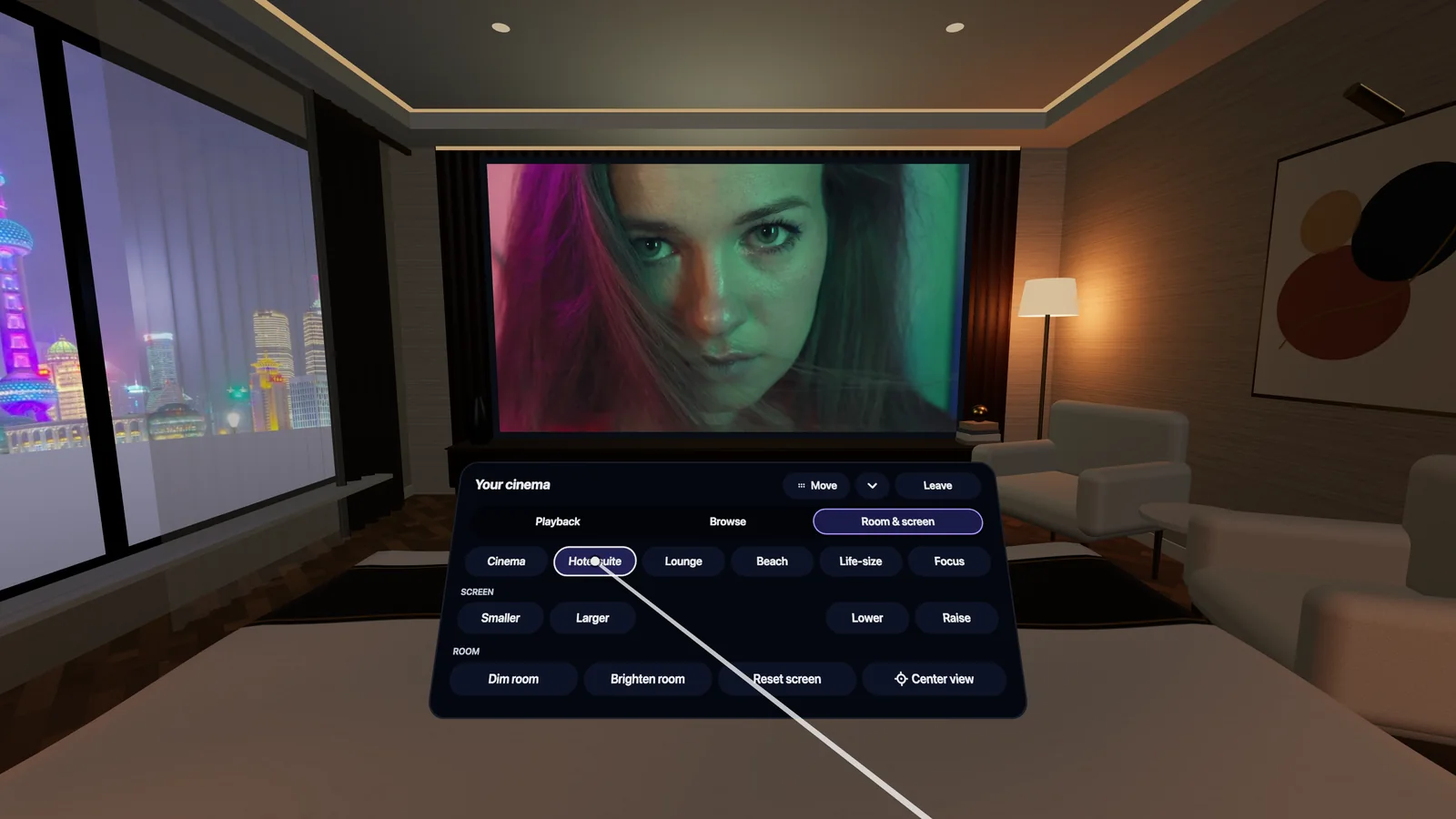
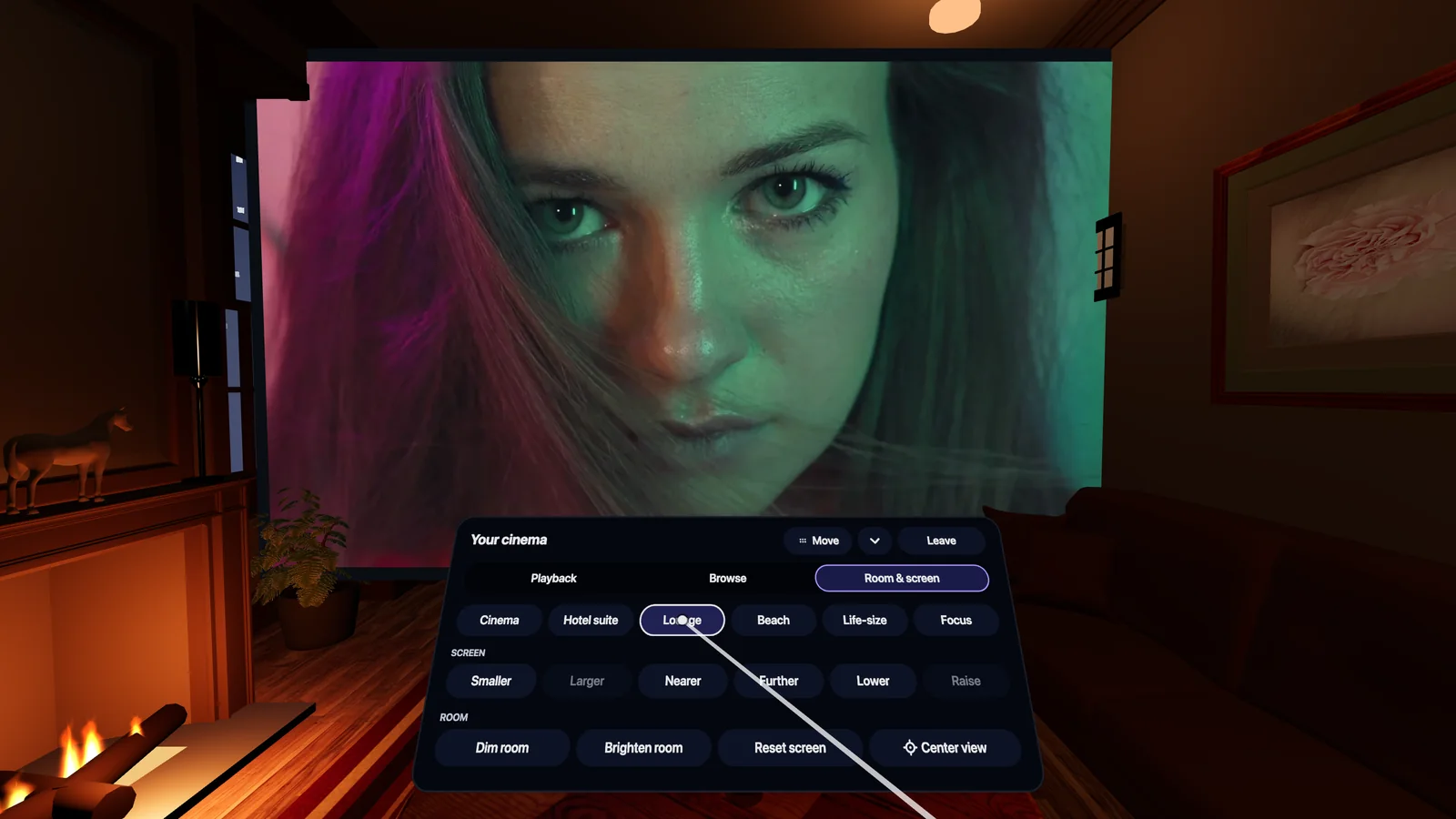
This is the part nobody else does. Your video does not play on a floating rectangle in an empty space. It plays in a place: a full 3D environment all around you, 360 degrees, with your film on the screen in front of you. Look around and the room is there. The light from the screen comes from your film, and the room dims by itself when it starts. Open the menu to switch places, and your film keeps playing.
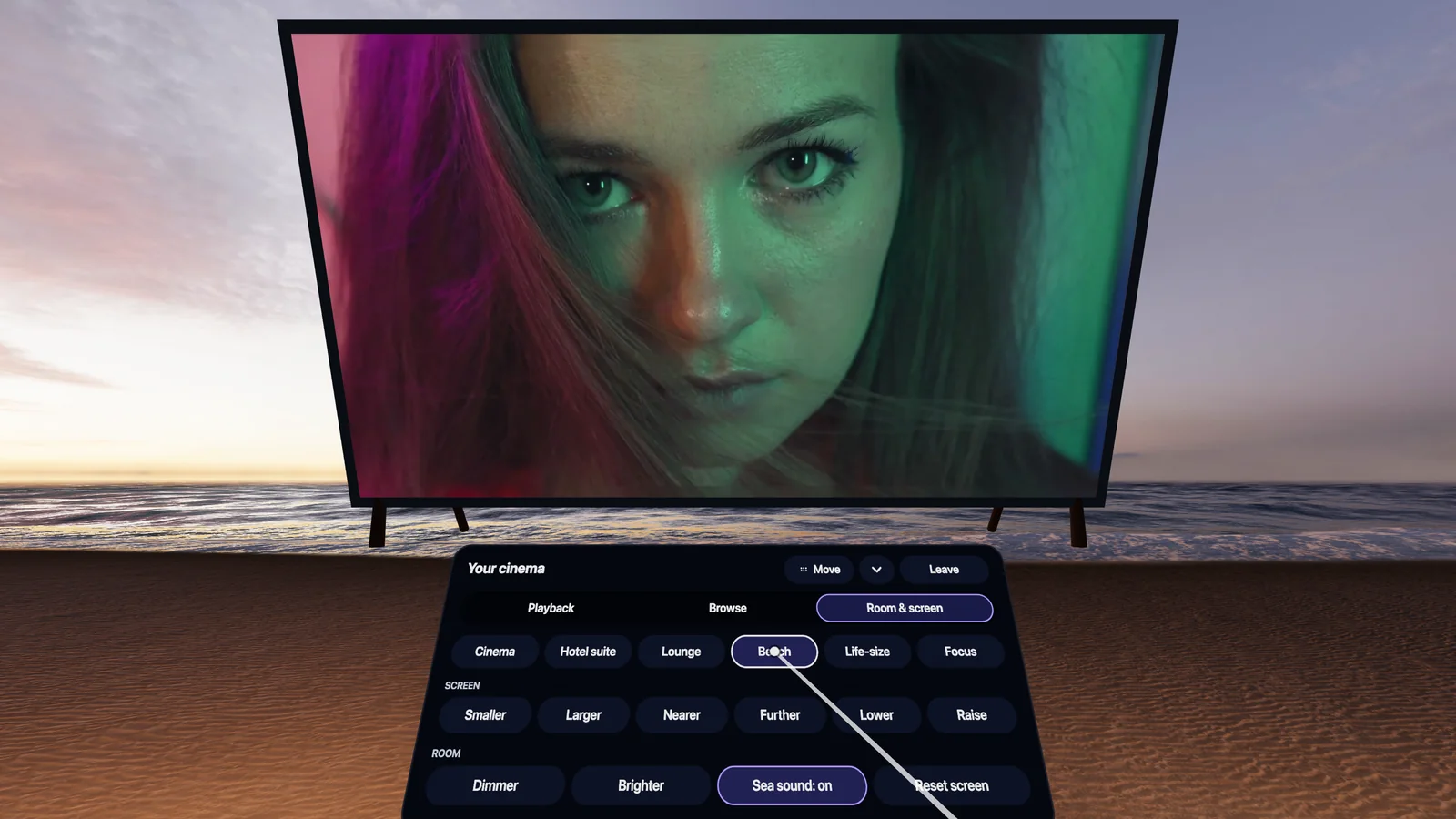
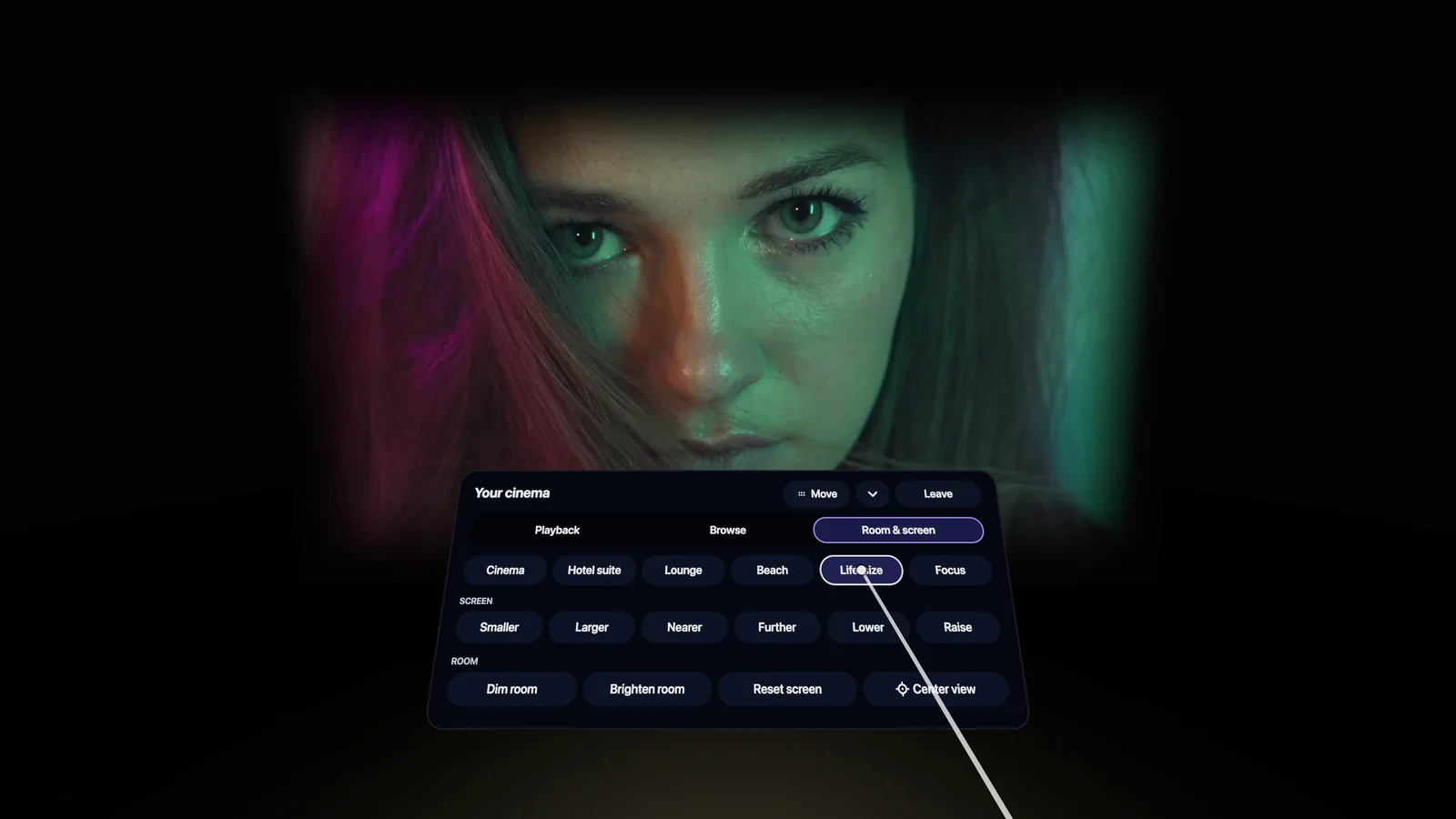
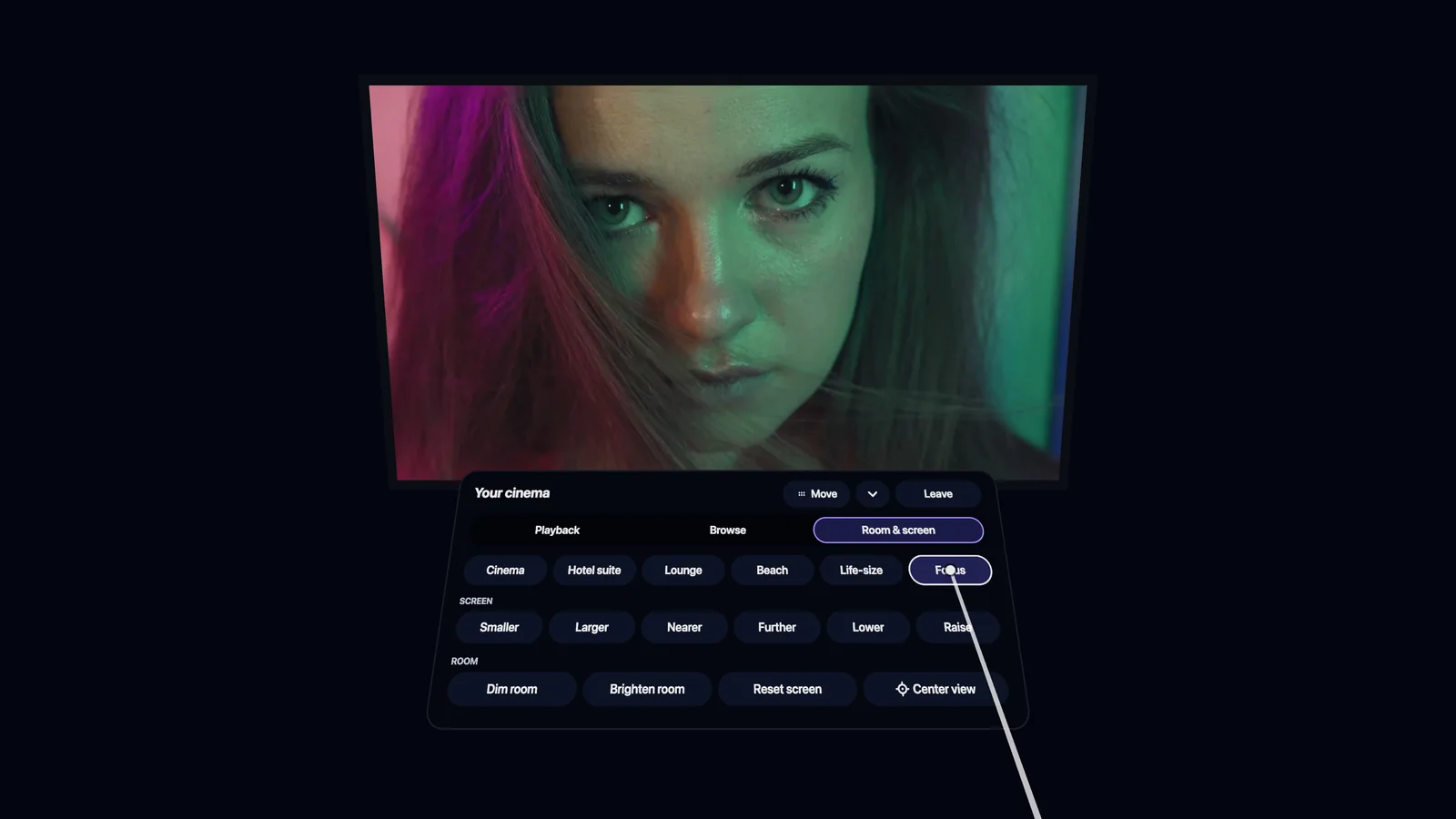
Set the screen exactly how you like it
In every image above, the menu is open the way you see it in your headset. You decide how big your screen is. Point at the menu and pull the trigger: under Room & screen you pick your place, and make the screen Larger or Smaller, bring it Nearer or move it Further away, and Raise or Lower it until it sits exactly right. You can dim or brighten the room as well, and Reset screen takes you back to the start. In the hotel suite the screen hangs on the wall, so there you change its size and height.
All of these images come from the same engine your headset runs, so this is what you see when you put it on, with your own video on the screen.
How fast is "a few minutes"?
A short video is usually ready within a few minutes: most free 2-minute previews are done in two or three. A longer film takes longer, because we convert every frame at full quality rather than cutting corners, and we explain why that matters here. Either way, you do not have to wait around: we email you the moment your video is ready, and it is already waiting in your headset.
Share it the same way
A 3D video of a wedding or a newborn is made to be shown. Every video gets a private link and a watch code that only the people you send it to can open. They do not need an account, an app or a file either. You can switch the link off again whenever you want.
Which headsets?
- Meta Quest 3, 3S, Quest 2 and Quest Pro: streamed to the headset browser, in every place of the 3D cinema.
- Pico: the same way, in the headset browser.
- Apple Vision Pro: your videos play as spatial 3D video.
- Samsung Galaxy XR: supported through spatial video (MV-HEVC).
And the file is still yours
Streaming is simply the fastest way to watch, not the only one. If you want a copy, you can download the full-quality master for 30 days and play it in any player you like. More about hosting and streaming your library.
Try it with your own video
The quickest way to understand it is to do it once. Pick a video that means something to you, upload it, and put on your headset a few minutes later. Your first 2 minutes are free, without a credit card.