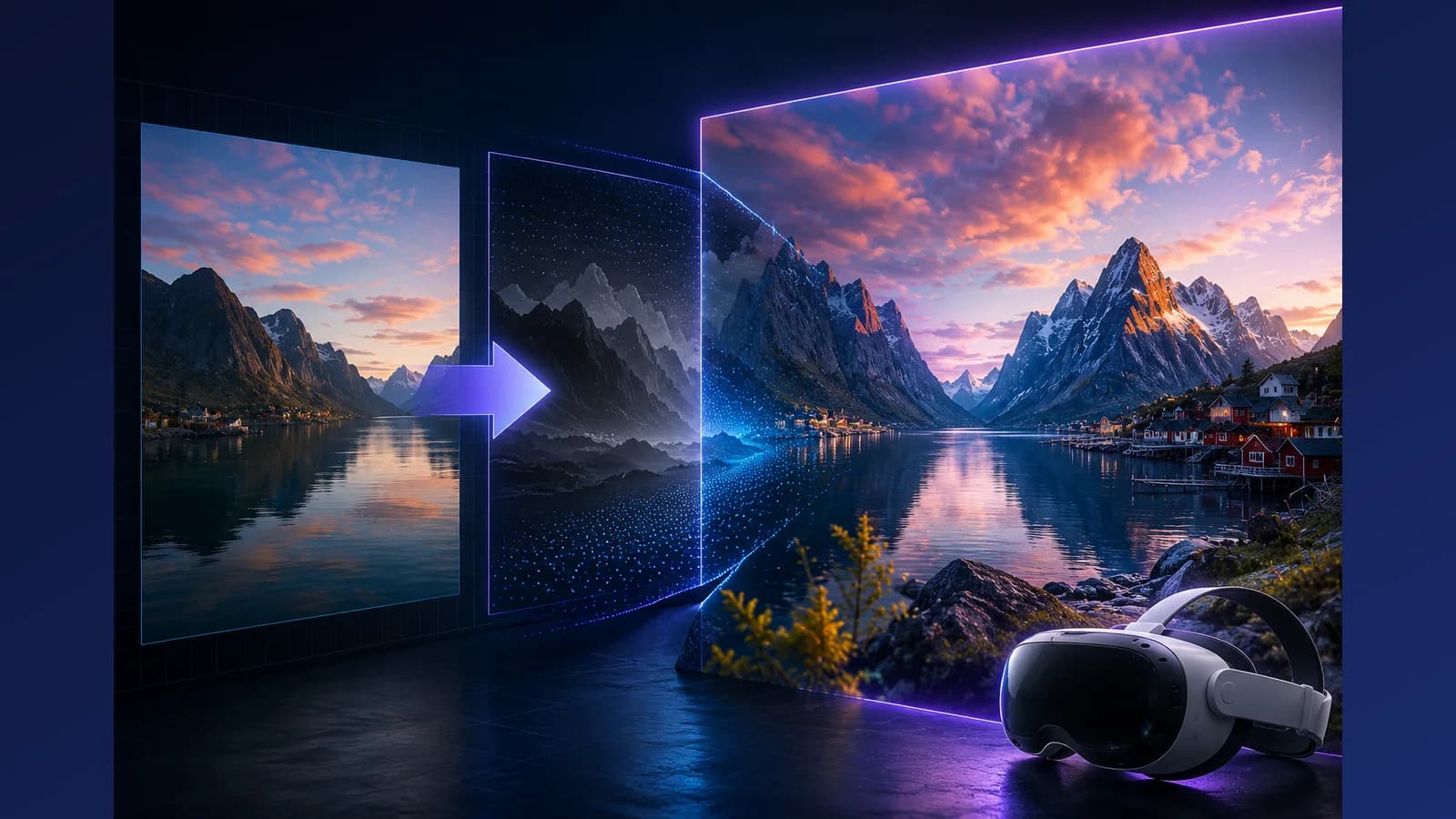
There are two ways to convert a 2D video into 3D. The fast way looks fine in a thumbnail and falls apart the moment you put a headset on. The slow way analyses the depth of every single frame, keeps that depth consistent from one frame to the next, and fills in what one eye can see and the other cannot. We chose the slow way, on purpose, and this article explains what that choice means for you.
Quality above everything, even speed
Inside a headset there is nowhere to hide. On a flat screen a small depth mistake is invisible; in VR your brain notices instantly, because your two eyes are being told slightly different lies. That is why we refuse the usual shortcuts:
- Every frame gets its own depth analysis. No skipping frames and blending the gaps. Skipped frames are exactly where edges start to shimmer.
- Depth is kept stable over time. Our pipeline looks across frames, not just at them, so objects hold their place in space instead of trembling.
- Edges are filled, not smeared. Where the second eye needs to see around an object, we reconstruct that area instead of stretching pixels over it.
The honest cost of all this is time. A conversion with us can take a bit longer than a quick-and-rough tool. We think that trade is obviously right: you wait a few extra minutes once, and then the video looks correct forever. Quality is the whole point of 3D; a fast conversion that flickers is just a slower way to be disappointed.
Good 3D starts with good footage
Here is the part most converters will not tell you: no pipeline can put back what your footage never had. The AI estimates depth from what it can see. If the image is a mush of compression blocks, noise and motion blur, the depth will be a guess, and guesses wobble. Garbage in really is garbage out.
What helps, in order of impact:
- Send the original file. Not a WhatsApp forward, not a re-download from social media. Every re-upload re-compresses the video and eats the detail the depth model needs.
- Resolution matters. 1080p is the sensible minimum; 4K gives the model visibly more to work with, especially on hair, branches and other fine edges.
- Light matters. A well-lit scene has clean edges and texture. Dark, noisy footage produces noisy depth.
- Stability matters. A steady shot converts better than a shaky one, because depth can settle instead of chasing the camera.
Shoot horizontal, always
For 3D, horizontal (landscape) video is not a preference, it is a requirement. Your eyes sit next to each other, so 3D is built from a left view and a right view of a wide scene. A headset shows you a wide field of view; a vertical video ends up as a narrow strip floating in the middle of it, with most of the immersion thrown away. If you are shooting something you might ever want in 3D: turn the phone sideways, every time.
Judge it yourself
Claims about quality are cheap, so we would rather show you. Our sample gallery is full of real conversions, made by the exact pipeline your videos go through, watchable on a Meta Quest or Apple Vision Pro. Pick the clip that looks most like your footage, put your headset on, and look at the edges. That is the test that matters, and your first two minutes of conversion are free.