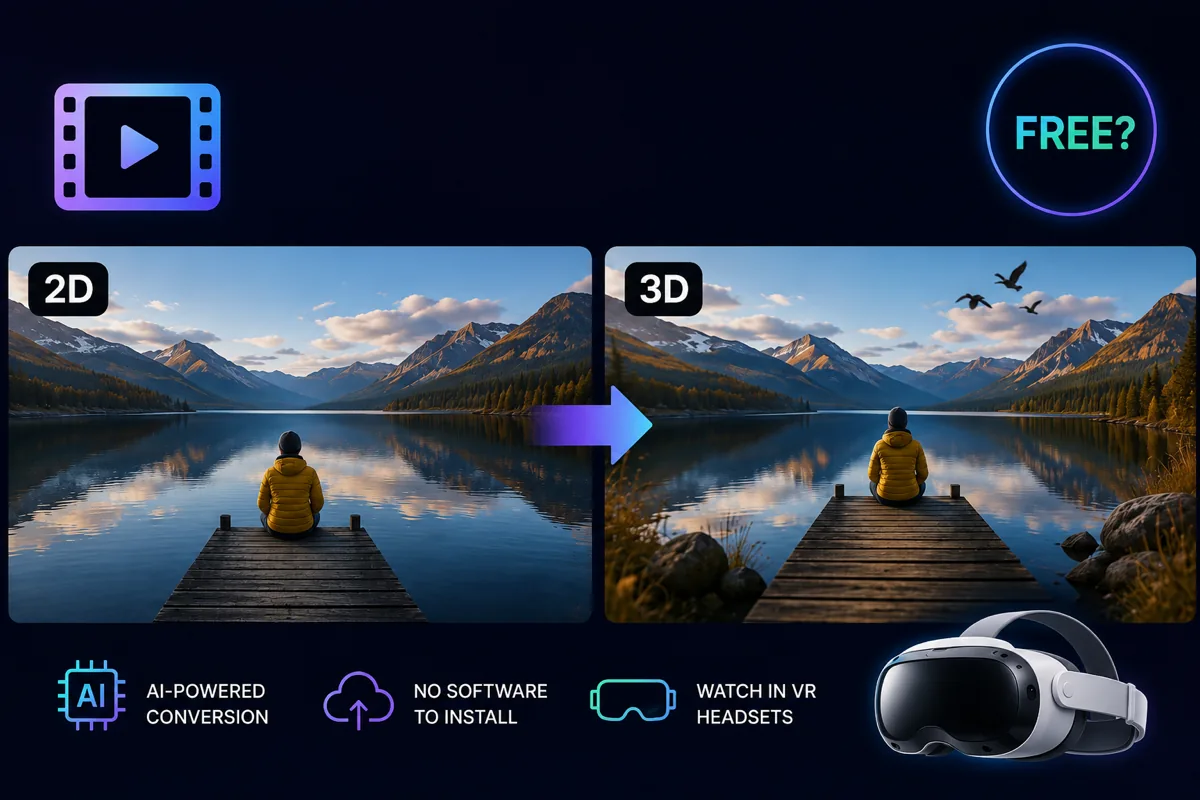
The short answer
Yes, and no. There are free tools that convert a 2D video to 3D, and for the right person they are a genuine option. What they ask for instead of money is a computer that can handle it, an afternoon of your time, and a willingness to learn what a depth map is.
What we do differently is take that work off your hands. Your first 2 minutes are free here, without a credit card, so you can see the result on your own headset before deciding whether it is worth paying for.
What free desktop software actually costs you
The honest trade is that you pay with time and hardware rather than money. In practice that means five things.
Your computer does the work. Depth estimation is heavy. Without a strong graphics card the tools either refuse to start or crawl, and a long video can occupy your machine for hours. While it runs, you are not doing much else on that computer.
You do the setup. Installing, dependencies, picking a model, choosing settings. None of it is impossible, but it is an evening before you see your first frame.
The first attempt is rarely the right one. Depth that looks fine on your laptop can feel wrong in a headset, and then you change a setting and run the whole thing again. Every round costs another block of computer time.
You get a file, not a way to watch it. This is the part people underestimate. The conversion ends with a large file on your disk, and you still have to get it into your headset: a cable, a player app, the right side-by-side mode, and enough free space on the device. That is a second project.
Nobody is on the other end. If it fails halfway, or the depth looks strange, you are the one who works out why.
Plenty of people enjoy exactly that, and if you are one of them, go ahead. The free tools are real and they work.
What you get here instead
Nothing to install. It runs in your browser. No graphics card, no dependencies, no setup evening. It works the same on a five-year-old laptop as on a new one, because the work does not happen on your machine.
You watch it in the headset without moving a file. We host the result and stream it straight to the browser on your Meta Quest or Apple Vision Pro. No cable, no player app, no sideloading. Pair your headset once and your whole library is one tap away after that.
Big and awkward footage is fine. Up to 8K, HDR included, and almost any common video file. You do not have to convert or shrink anything first.
You choose how much depth you want. Three profiles, Cinema, Comfort and Aggressive, and the same footage can look quite different between them. If the first result is not right, you change the profile rather than your setup.
You still get the file if you want it. Downloading in full quality is available for 30 days, and a commercial licence is included, so you can use the result in your own work.
Your footage stays yours. It is never used to train anything, and private share links can be switched off again whenever you like.
What it costs, plainly
Your first 2 minutes are free, one trial per email address, no card details. After that you buy minutes in a bundle, and there is no subscription running in the background. If a conversion disappoints, there is a 7-day money-back guarantee.
So the real comparison is not free against paid. It is your evening and your graphics card against a few euros and a link that opens in your headset.
How to judge the result
Watch it in the headset, not on your laptop. On a flat screen a 3D file tells you almost nothing. In the headset you are looking for one thing: does the depth feel natural, or does it make your eyes work too hard?
If it feels too strong or too flat, that is usually the depth profile rather than the video.
Which videos convert well
Footage with a clear foreground and background converts best: someone standing in a room, a landscape with something close to the camera. Flat, evenly lit scenes have less for the depth estimation to work with, so the effect is subtler.
That is worth knowing before you spend your free minutes. Pick a clip where something is obviously nearer than the rest.