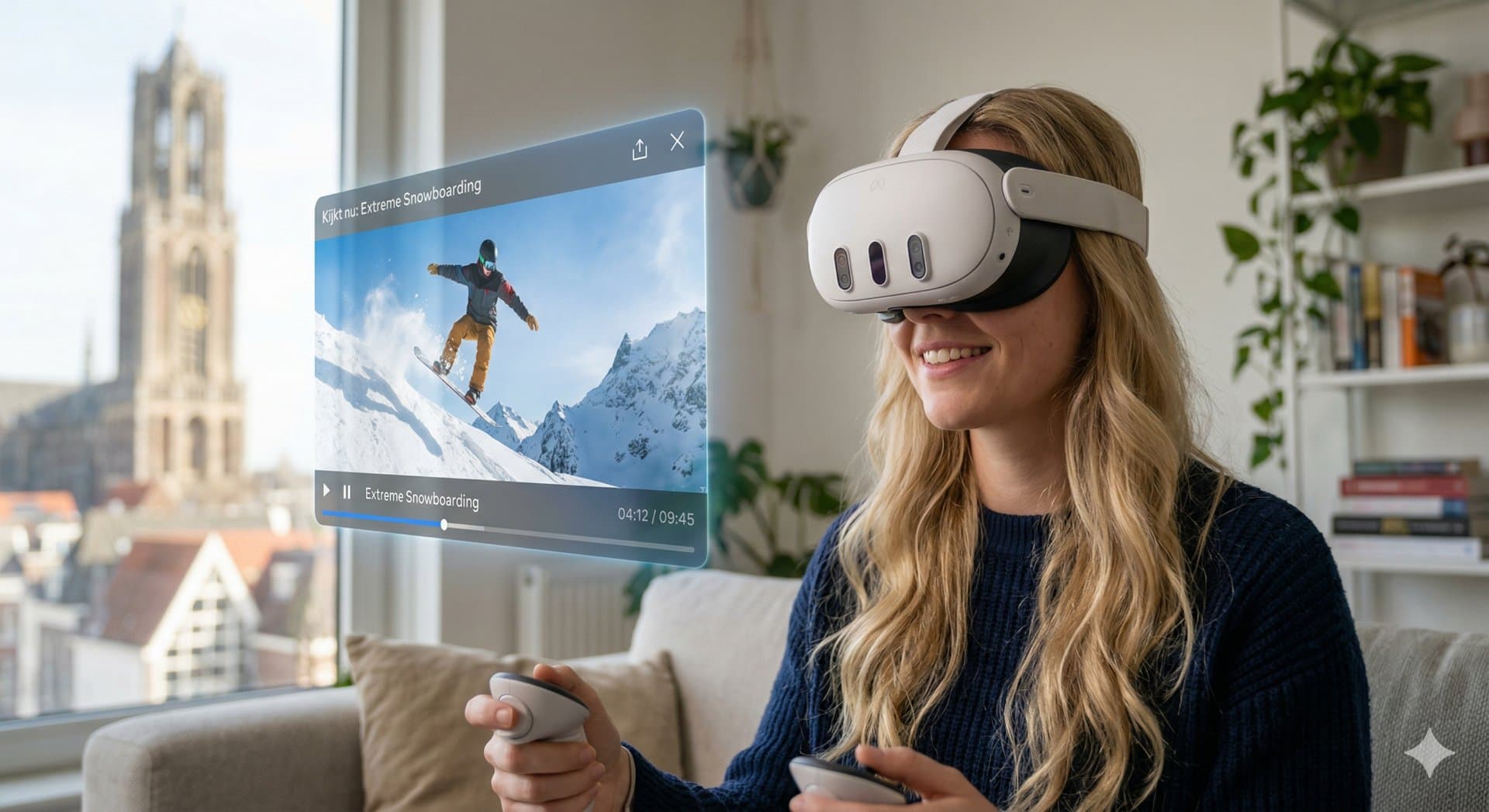
You have a 3D video. Now you want to see it. The good news is that the fastest route needs no cables, no file transfers and no player app.
The easy way: stream from your library
We host every video you convert and stream it straight to your headset browser.
- On your computer or phone, open your library at xclusivevr.com/library and create a pair code.
- In your headset, open the browser, go to the same address and type in that code.
- Your whole library appears. Tap a video and press play.
You only pair once. After that your videos are one tap away every time you put the headset on. All you need is decent Wi-Fi.
On Meta Quest, press Enter VR in the player to get full depth. Without it you are looking at a flat preview on a flat web page.
The file way: keep your own copy
Prefer a file on the device? You can download your video in full quality for 30 days after conversion. Which file you want depends on the headset.
Meta Quest
Download the full side-by-side version. Copy it to the headset over USB-C or through cloud storage, open it in a 3D-capable player app, and set the playback mode to side-by-side.
Apple Vision Pro
Download the spatial video version, which uses the MV-HEVC format Apple devices read natively. Send it over with AirDrop, iCloud Drive or the Files app and open it.
One thing to know: MV-HEVC is an Apple format. Meta Quest cannot read it. That is why we make both versions of every video, on every bundle, so you always have the right one.
Which route should you pick?
- Just want to watch? Use the browser. It is faster and there is nothing to set up.
- Want to keep it, or watch without Wi-Fi? Download the file within 30 days.
Try it with your own footage
Convert your first 2 minutes free and watch it in your headset today.