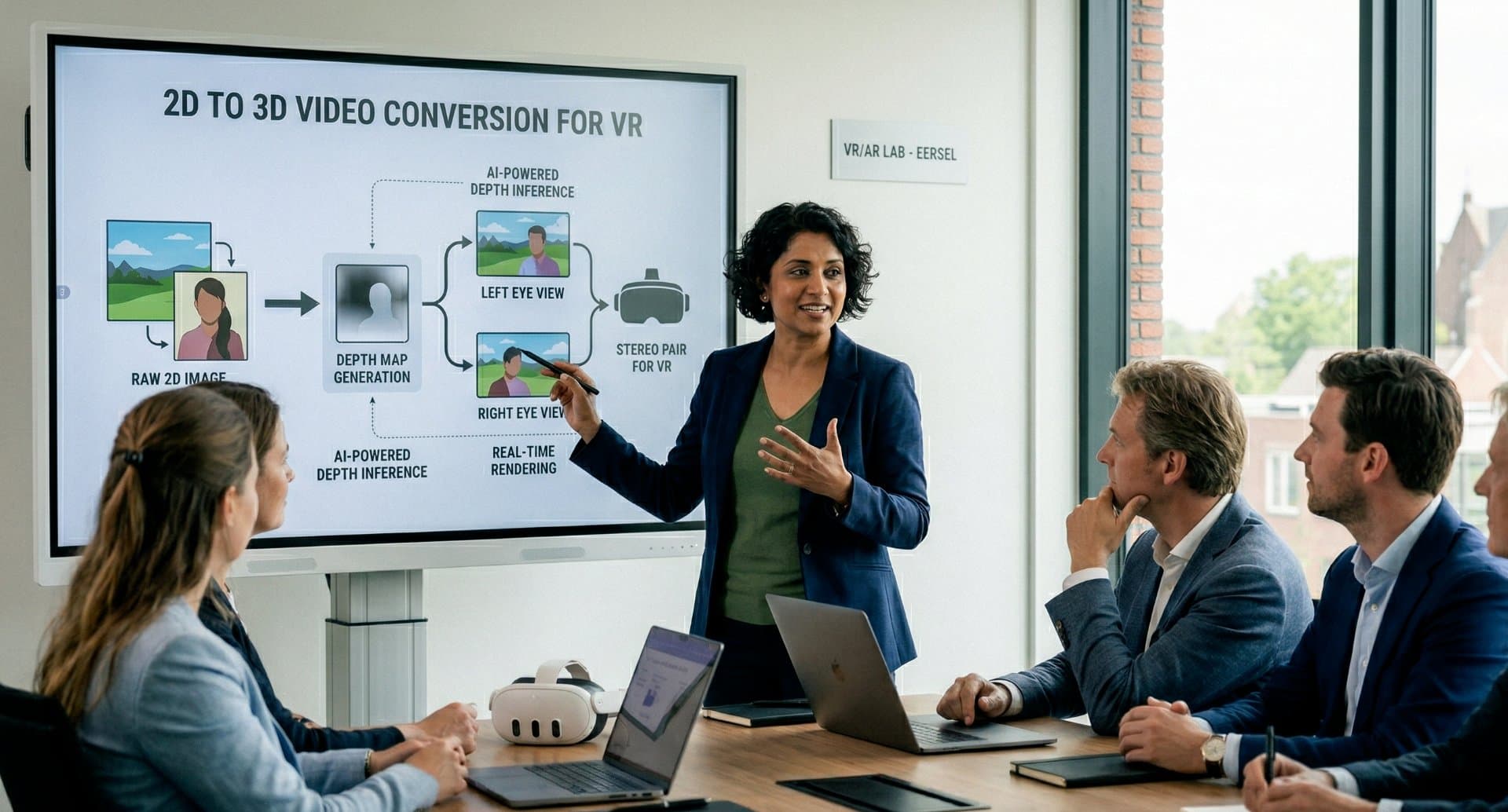
People often ask us what actually happens after they upload a video. Here is the short answer, without the jargon.
A flat video has no depth
A normal video is flat. Your brain guesses what is near and what is far, but the file itself holds no information about distance. Nothing in it says "this face is one metre away and that wall is ten".
To show real 3D, a headset needs two pictures: one for your left eye and one for your right eye, taken from slightly different angles. That small difference is what your brain reads as depth.
What our AI does with your video
Our system works through your video one frame at a time. For every frame it:
- estimates how far away each object is;
- separates the foreground from the background;
- builds a second view from a slightly different angle;
- fills in what that second eye would see around the edges of objects;
- checks the result against the frames before and after, so the depth stays steady instead of flickering.
That last step matters more than people expect. Getting one frame right is easy. Getting a thousand frames in a row to agree with each other is the hard part.
Why it needs so much computing power
Most video runs at 25 to 60 frames per second. One minute of 4K video is well over a thousand full-size images, and each one goes through the whole process above. That is why conversion runs on graphics hardware in the cloud instead of on your own computer.
It is also why we charge per minute of video. Longer and sharper footage simply takes more work.
What you get out of it
You get a real stereoscopic 3D video, ready for your headset:
- Full side-by-side for Meta Quest and most other headsets;
- Spatial video (MV-HEVC) for Apple Vision Pro.
Both formats are included in every bundle, up to 8K. We host the result and stream it straight to your headset browser, so there are no cables and no player apps. Want the details on the two formats? Read Full side-by-side vs MV-HEVC.
See it with your own video
Reading about depth is not the same as looking at it. Convert your first 2 minutes free, no credit card and no account needed, and watch it in your own headset.